
This is where it differs from other similar devices on the market and is quite unique in more than one way. Let’s start from the analogue side: we have two “analogue processing modes”: XBass+ and XSpace. While we will get to their actual sonic impact in the next section, these do as the names suggest. One will boost bass while the other will add more spaces – to put it in an overly-simplified way. You can switch one of them on, both of them on or switch them off them entirely.
But where it gets really intriguing is in the DAC’s digital filter section. While the GO bar is based around the Cirrus Logic DAC chip, which in nothing uncommon these days – it’s the ability to control the way that its digital filter operates that sets it apart. You actually have four choices here, where two of them can be seen as your usual suspects and two more alien-like and interesting visitors from the outer space. You have the “Standard” (red led colour) setting which is your typical brickwall filter with some pre and post ringing. Then you have the “Minimum Phase” (yellow led colour) filter which is, well, minimum phase – some post-ringing with almost no pre-echo.
And then here they come – the “GTO filter” and the “Bit-Perfect” mode (why I call it a “mode” some of you may already have guessed). Let’s start from the first one. The “GTO” here stands for “Gibbs Transient Optimized” filter that was actually pioneered in May 2011, when the AMR (Abbington Music Research) – the parent company of iFi Audio – introduced the “Organic” filter into their well acclaimed DP-777 digital processor. This filter can be seen as a time domain optimized custom filter with a minimum number of taps, no pre-ringing and a very limited post ringing. Note the “minimum numer of taps” description – the “GTO filter” can be seen as something between your usual brickwall filtering and no digital filtering at all, while being closer to the latter.
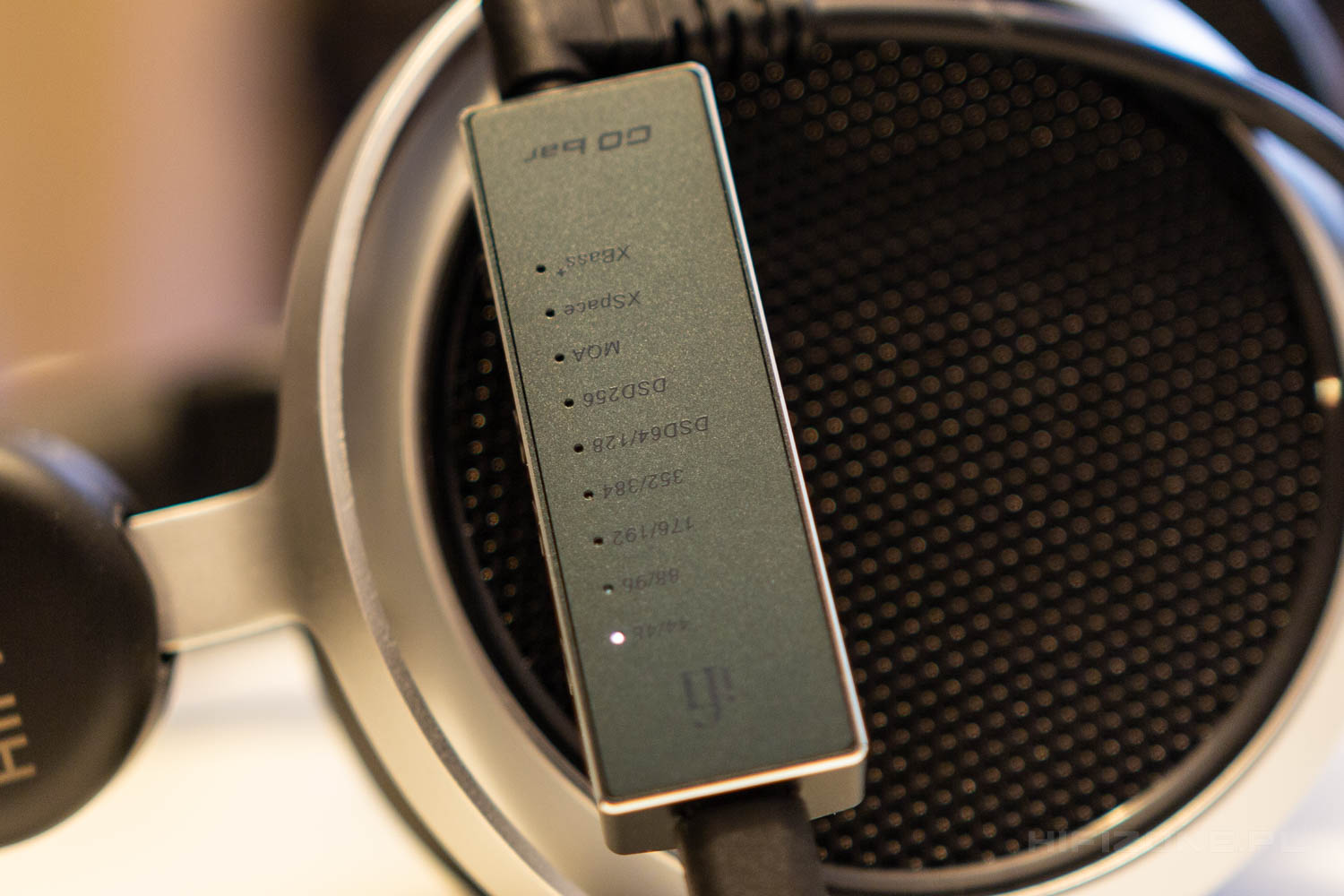
And while we are at “no digital filtering” – let’s talk about the fourth, and last, setting here: “Bit-Perfect”. This one could as well be called “NOS” or “Non-Oversampling” mode, because it does exactly that: it omits the digital filtering entirely. Apart from just sounding different this mode also opens up a possibility to do upsampling earlier in the chain, for example in Roon or in more dedicated software like Signalyst’s HQPlayer. Obviously, most people will use the “Bit-Perfect” mode as it is, but for those that want to get that last bit of performance from that modulator in the DAC, here you go. Most people possibly forgot this, but there’s even a Foobar2000 plugin called Reampler-V, where you can set the Phase Response, Attenuation, Pass Band, Stop Band and all that stuff and it will actually not only do the resampling, but it will give you a visual representation of what’s going on. And the thing here is that the GO bar will just, well, go with that 384 kHz stream that was upsampled earlier.
Ah, since we’re coming to the sound soon, there’s just only one thing that’s, so as to call it, upsamling-related. The GTO filter (White led) will also do the resampling to 352.8/384 kHz (this is done in the XMOS chip inside the GO bar), so the GO bar is a dongle with an upsampler of sorts.
Immense power and the iEMatch and Turbo modes
The last two things that, apart from the power, should be mentioned – are the iEMatch and the Turbo features. The first one adds some impedance at the output of the headphone amplifier thus helping with the removal of the background noise. The other one ramps the gain by 6 dB – and you access it by pressing the “+” and “-“ buttons simultaneously.
Let me address the power specifications just once again. The 475mW of power (into 32 ohms) is huge, but even more spectacular here is the voltage swing capability. Those 7.5V in reality should make the GO bar “feel” more like a bigger, even dedicated amp. So, let’s check it out.