
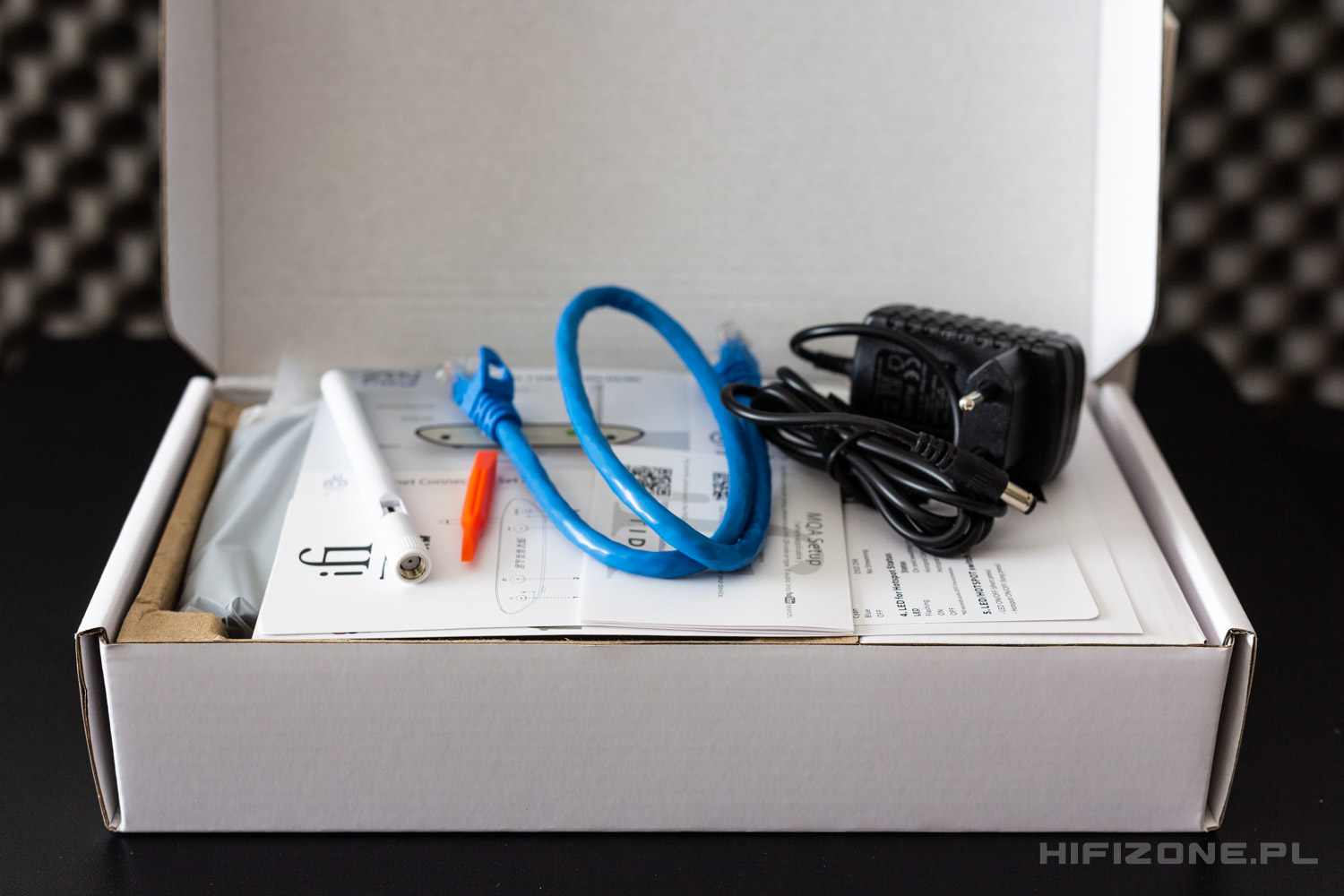
As for the operating modes themselves – there are quite a few of them, five to be precise. And they are all selected by the rotary knob on the back of the device, this is what is that orange plastic screwdriver-like tool in the package for.
The first mode of operation is, as stated above – All-In-One mode, in which all of the Zen Stream’s functionality is available at the same time. Including the possibility of detailed setup via web browser as well as having access to the software player mentioned before. The actual setup page is uncluttered and, apart from having a wizard that simplifies the process, also allows for some detailed fine-tuning. Or tweaks, if you like. Moreover, and this is one of the important differences between the Zen Stream and most other RPi-based DIY solutions – the iFi Audio streamer allows for OTA (Over-The-Air) software updates.
The second mode (rotary selector in the position no. 2) is Roon-only mode. This doesn’t require much of a description, but it’s worth mentioning a little hint here. If you want to get the full functionality in terms of sampling frequency and bit-depth choice – under audio properties in Roon, you need to click on the “DEVICE INFO” and then on “Configure device” to change the output mode from S/PDIF to USB on the Zen Stream’s configuration page that you will be redirected to.
When we set the operating mode dial into position no. 3 – the only available method of operation will be Tidal Connect. It will probably be the best way, when using a wired LAN connection to the network, to swiftly start to play music through the Zen Stream (if we have Tidal app somewhere on our devices of course).

Nonetheless, the most interesting functionality that Zen Stream has to offer will be found under the fourth position of the rotary knob. This is the NAA, or Network Attached Mode. This one particular feature discerns Zen Stream from a plethora of other, sometimes much higher priced devices and is definitely geared towards more tech-savvy users that want the ultimate and elaborate software solution in digital filtering (or upsampling, or resampling – depends on how you look at it) available nowadays. Signalyst HQPlayer software gained quite an acclaim among more tech-savvy and tinkering-prone enthusiasts, and for a good reason. You can think of it like a very – and I mean very – configurable software digital filter, upsampler and modulator (actually this software is so one-of-a-kind that it made its own niche). What is important to know here is that it now supports integration with Qobuz streaming, so it’s much more accessible and allows you to stream directly from Qobuz to a NAA, which is such case – could obviously be Zen Stream. Using the iFi’s Audio streamer alleviates the need of putting – for example – a laptop with NAA software – between your HQPlayer host and the actual DAC. Thus, vastly reducing all the interferences that would come from such a configuration and could impede the final sound quality.
The last, fifth mode of operation is DLNA-only, allowing streaming from DLNA-enabled devices and controlling playback from software like BubbleUPnP. What is also worth noting that this is the mode where we can use Zen Stream with apps like Foobar 2000, if someone is willing to pursue that route. DLNA may also be the target choice for all those having those big audio file collections amassed on NAS storage arrays.